
This guide is for online degree students at the University of Aberdeen.
Who can request an invoice?
You can request an invoice if a third party is paying all or some of your fees.
How invoicing works
To request an invoice, you’ll need to upload written confirmation of the amount your fee payer has agreed to pay.
We’ll then review and verify your request and let you know the outcome via email.
Any balance remaining for invoiced courses must be paid before courses start.
Request an invoice – a step-by-step guide
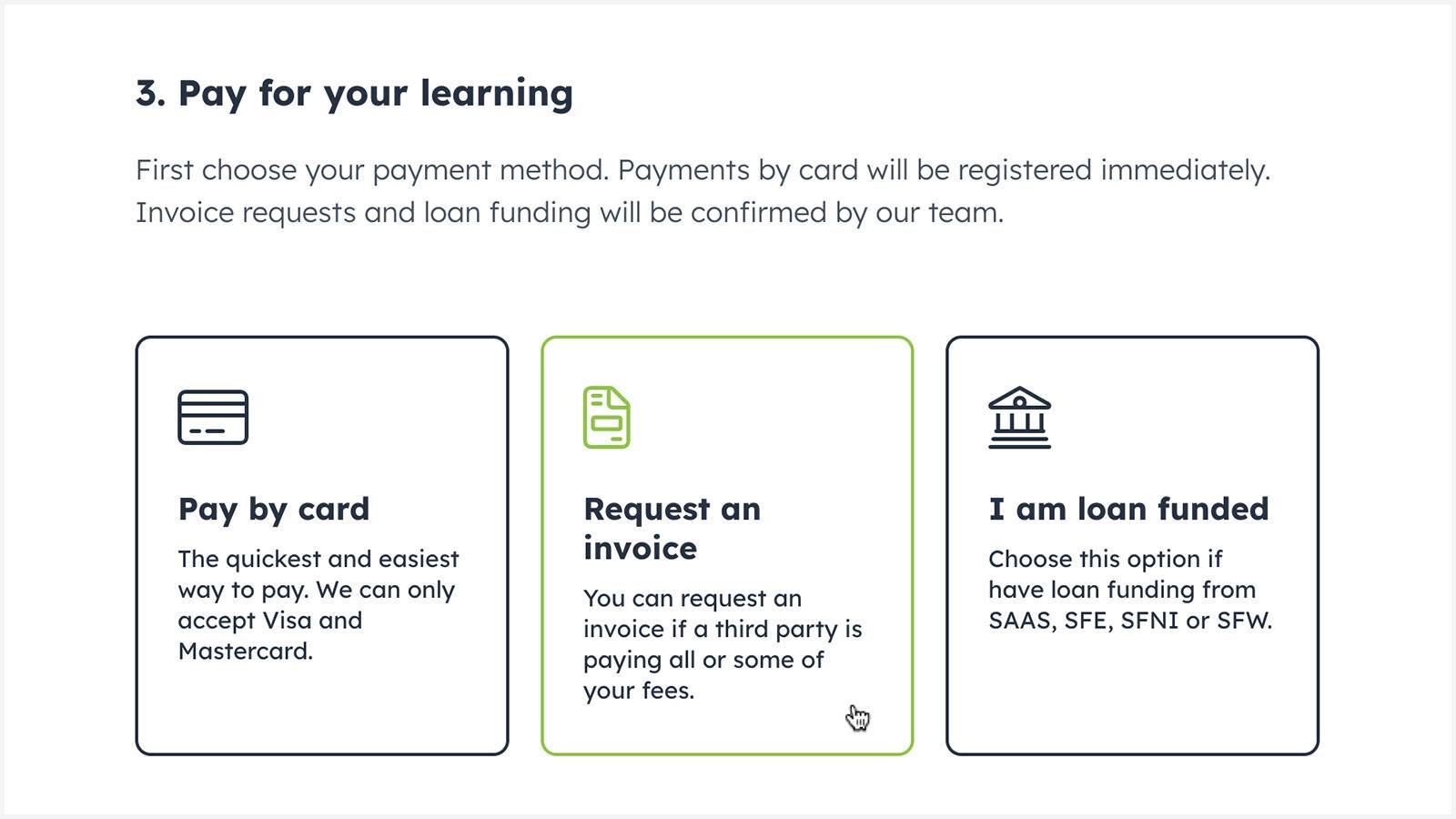
On the ‘Pay for your learning’ screen, select the ‘Request an invoice’ option.
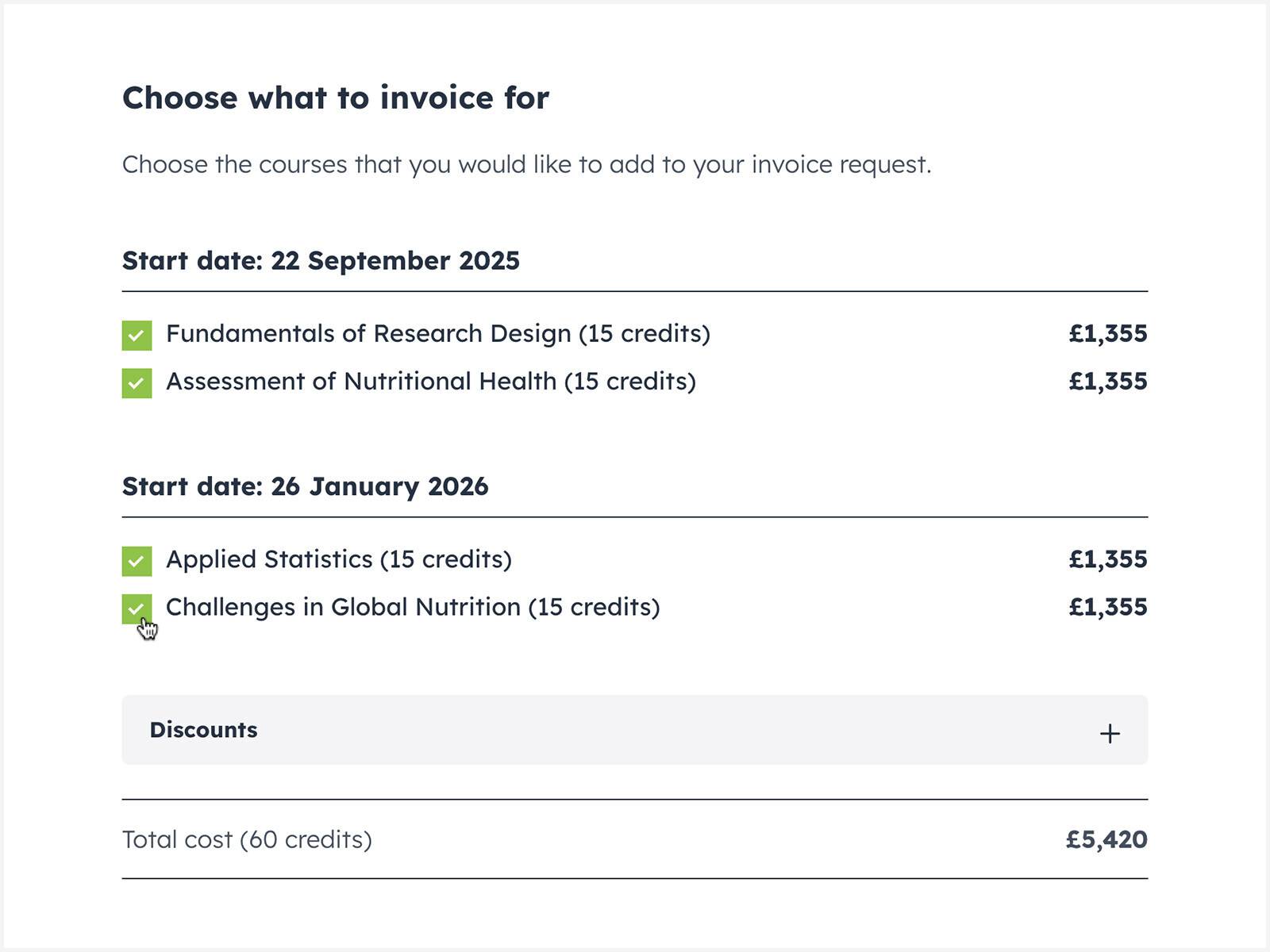
Choose the courses that you would like to add to your invoice request.
Agree to our Terms and Conditions and select ‘Continue to invoice request form’.
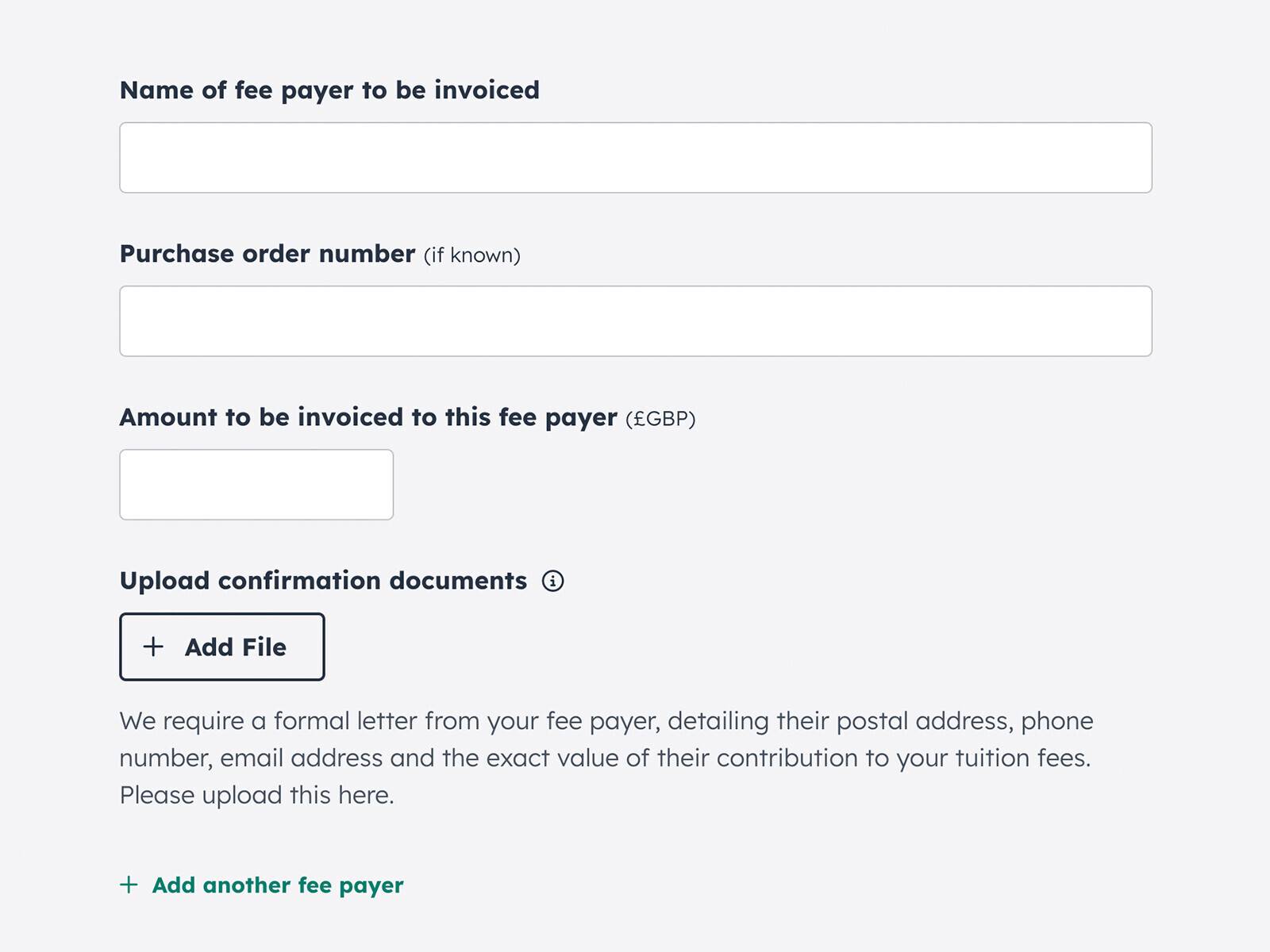
Enter the information we need to process your request.
You must upload written confirmation of the amount your fee payer has agreed to pay.
Please also provide any additional information that will help us with your request.
Click ‘Submit your request to pay by invoice’.
What happens next?
Our team will review your request. We’ll then email you to let you know if your request is approved.
Typically, we’ll get back to you within seven days. During peak periods and University holidays this may take longer.
If we need any extra information, we’ll contact you via email.
Any balance remaining for invoiced courses must be paid before courses start.